
Incentives, Now Inside the CurbsidePRO App
No more waiting on a text to find out where the bonus is. The new Incentives tab shows the surges and campaigns that pay you in your market — where they pay, when, how much per rescue, and what you’ve earned from each one so far.
See Where the Money Is
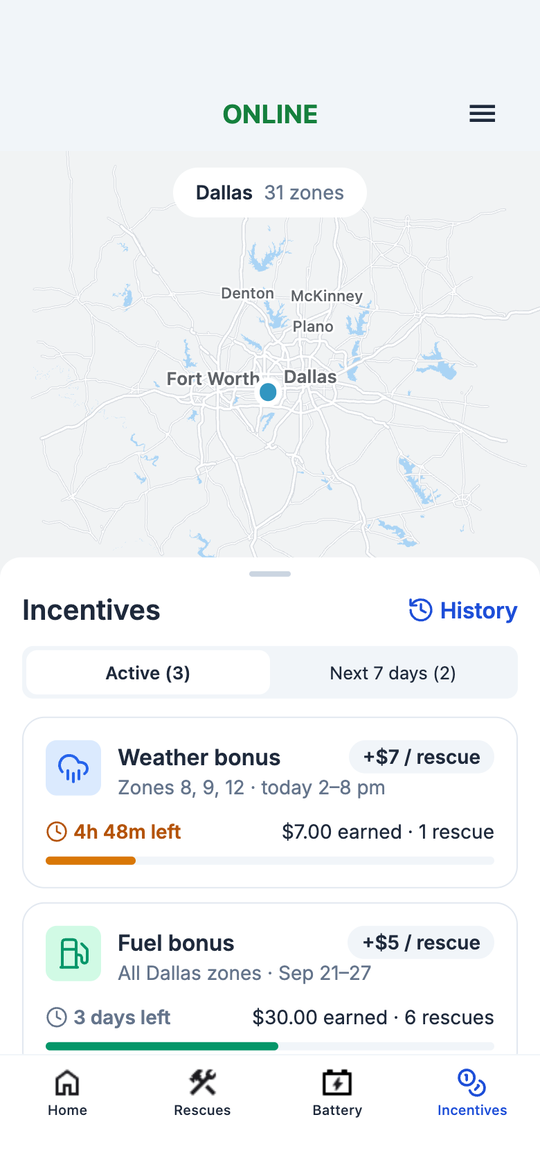
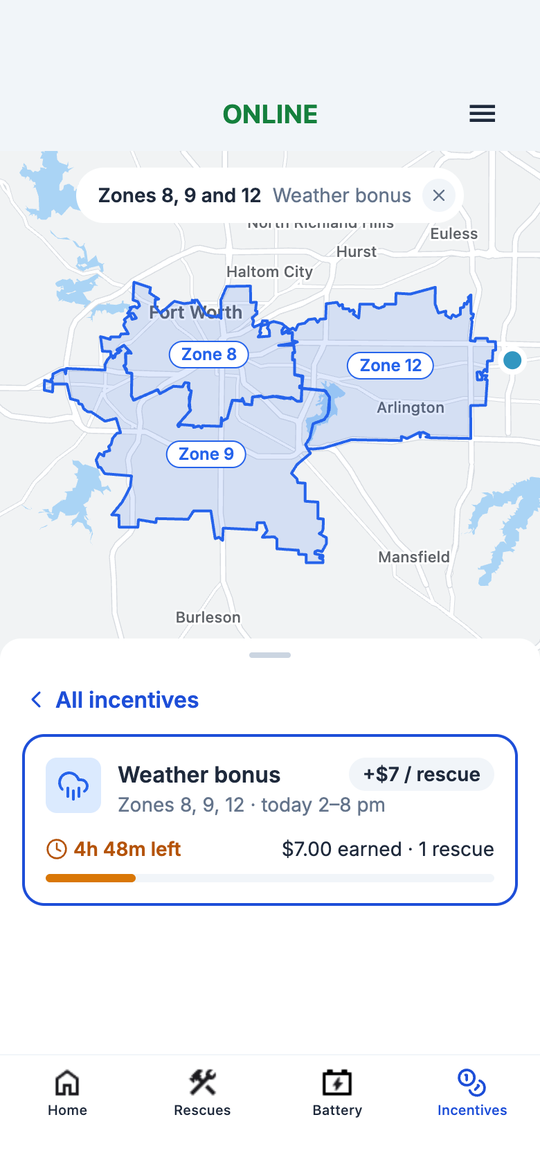
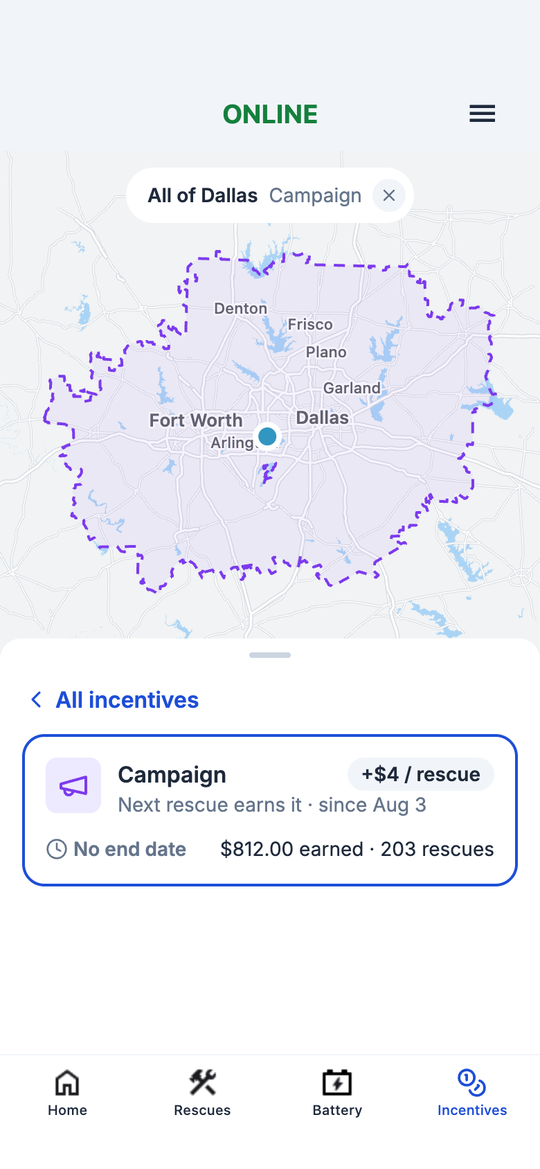
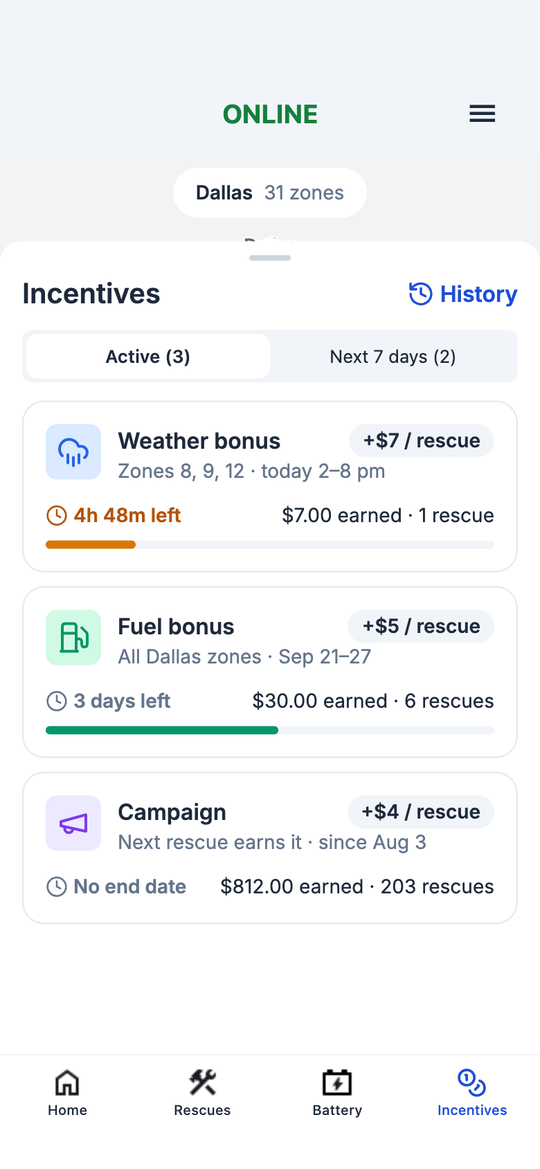
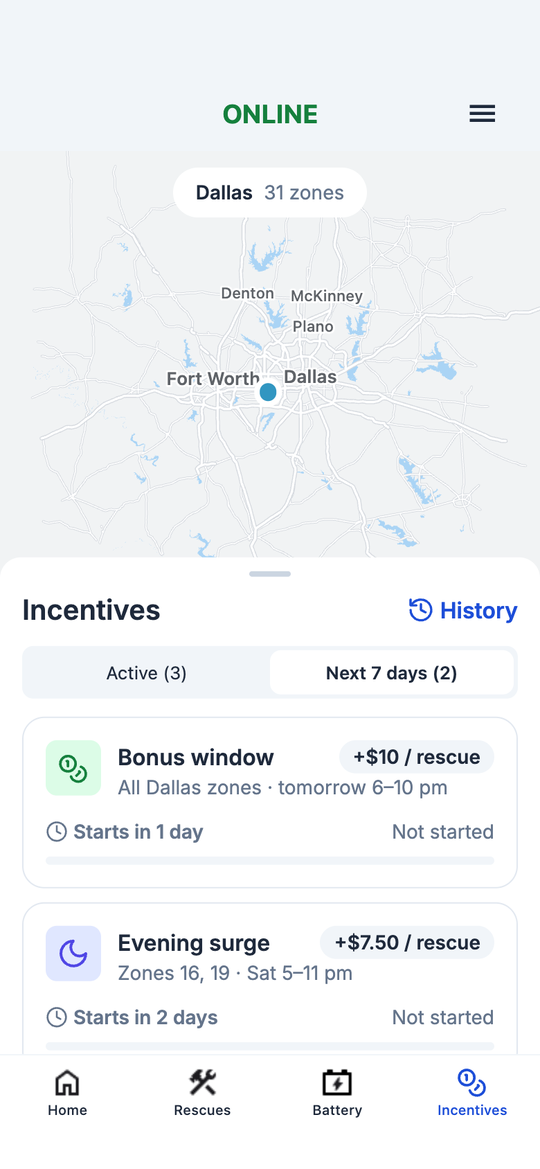
Tap Incentives at the bottom of the app. A map of your market opens, with everything paying right now listed underneath. Tap any tile to see exactly where it pays.
Every Tile Shows What It Pays
Each surge and campaign shows its rate, the zones and hours it covers in your market’s time, and how long it has left.
- +$7 / rescue is the extra you earn on every rescue it covers.
- The bar fills as the window runs and turns amber in its last 6 hours.
- $7.00 earned · 1 rescue is what it has paid you so far.
Plan Ahead — We’ll Tell You When It Opens
Next 7 days lists the surges and campaigns coming up this week, so you can plan your hours around them.
When a surge window opens, CurbsidePRO sends you a push:
Tap it to go straight to the Incentives tab. If the app opens on Home instead, tap Incentives at the bottom.
See What You’ve Earned
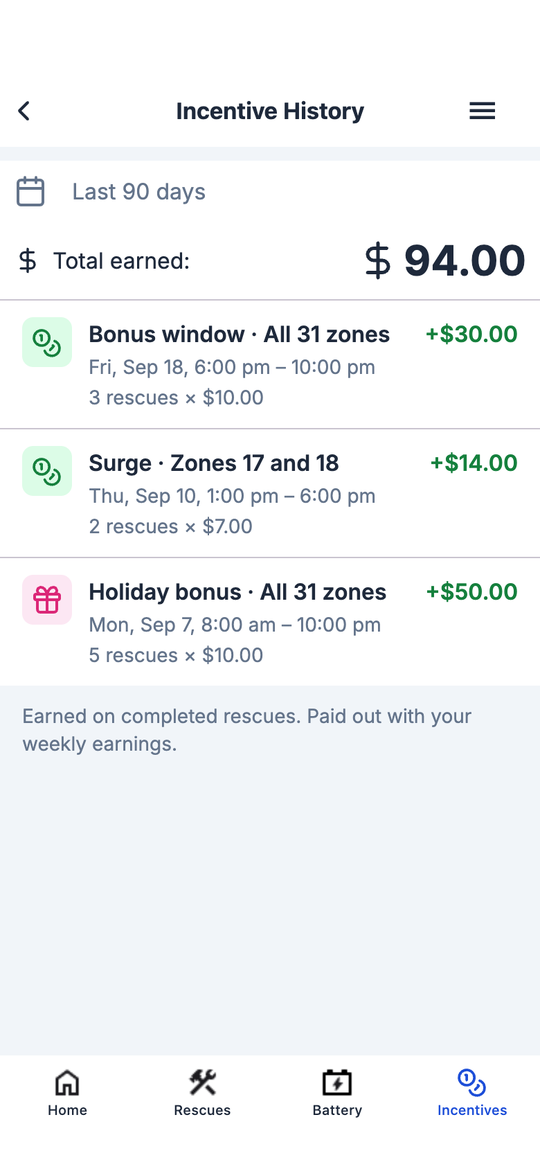
Tap History for the incentives that ended in the last 90 days and paid you: each one’s dates, rescues and amount, under your total.
Incentive pay is part of each rescue’s Incentive amount in Earnings and is paid out with your weekly earnings.
How to use it
Tap Incentives at the bottom of the app, pick a tile, and head for the zones it covers. Rolling out to technicians soon — if you don’t see the tab yet, it’s on its way to you.