
Navigation, Now Inside CurbsidePRO
No more bouncing between apps mid-rescue. Turn-by-turn directions now run right inside CurbsidePRO — from the moment you accept a Rescue until you pull up on scene — and you can shrink them out of the way whenever you need the rest of the app.
One Tap From the Rescue to the Road
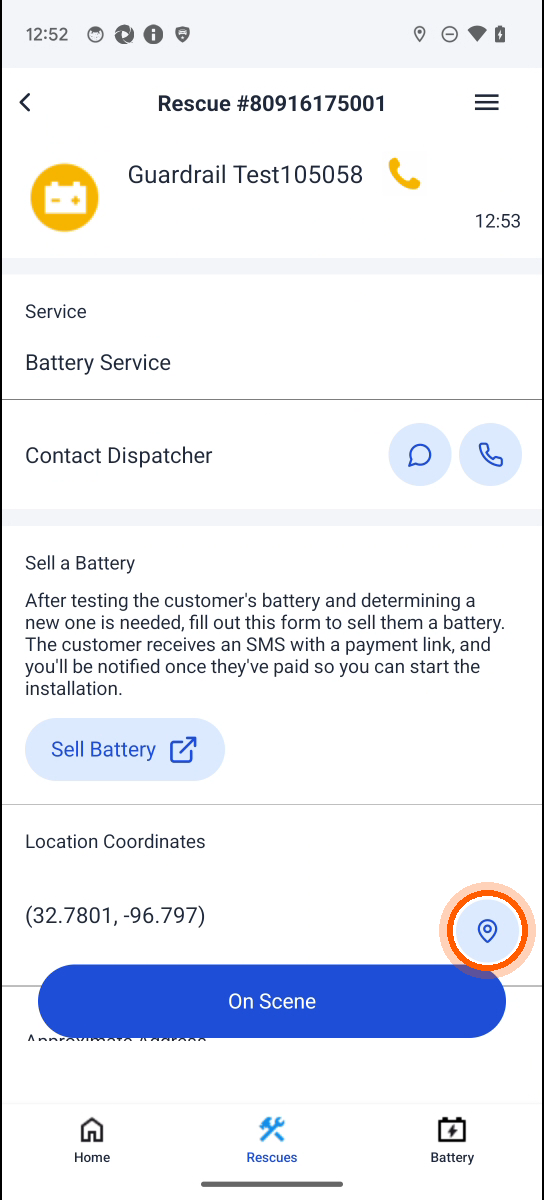
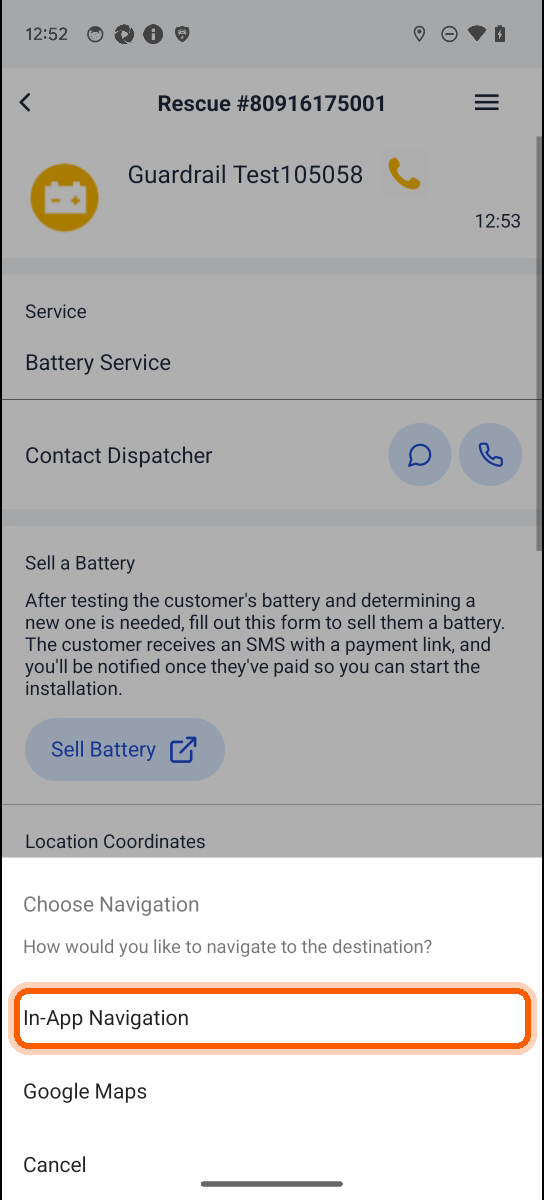
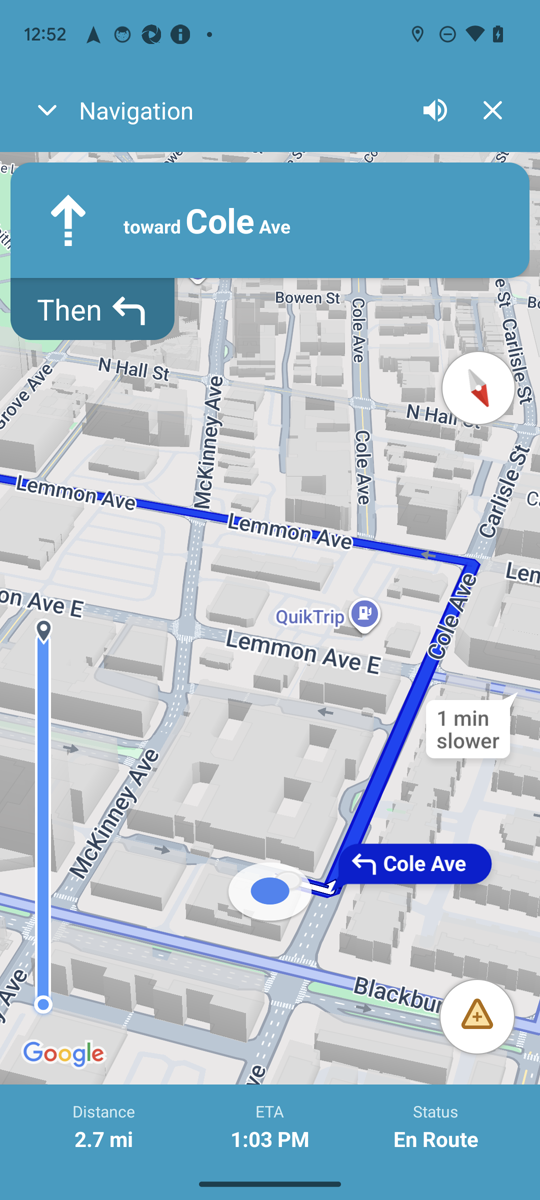
Tap the pin next to the customer’s location and choose In-App Navigation. Google-powered turn-by-turn opens inside the app with voice guidance, live traffic, speed limits and rerouting — the same directions you’re used to, without leaving the Rescue. Prefer Google Maps? It’s still right there in the same menu.
Minimize It — Don’t Quit It
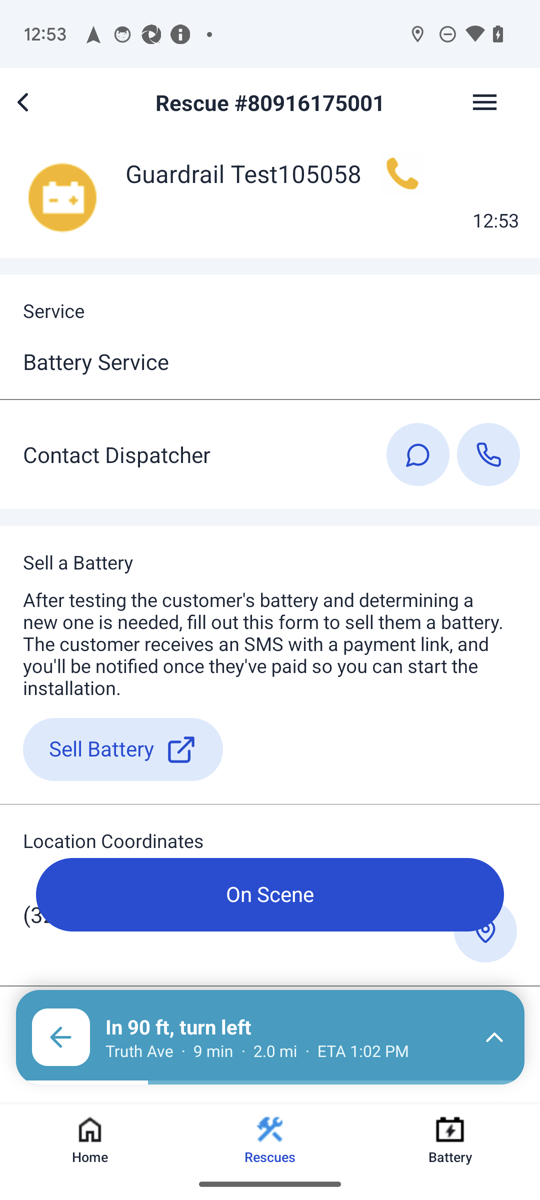
Need to check the Rescue, call the customer, or grab a photo? Flick the map down. Navigation shrinks into a live bar above your tabs and keeps going: the next turn, distance, ETA and voice prompts all stay live while you use the rest of the app.
- Tap or flick up the bar to bring the full map back.
- Only the ✕ ends navigation — a swipe never will.
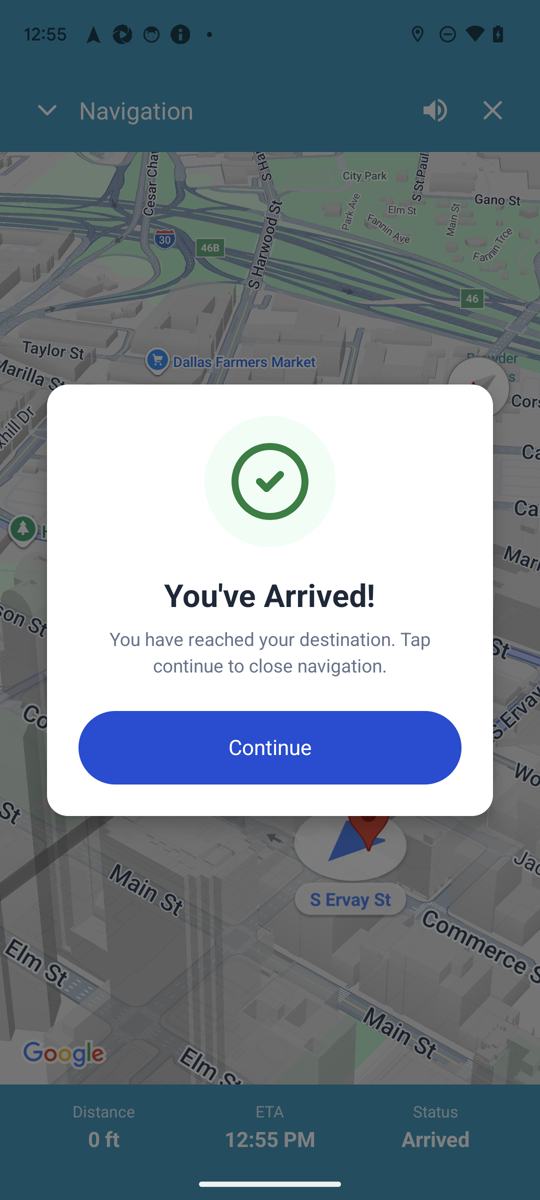
You’ve Arrived
When you reach the customer, CurbsidePRO says so. Tap Continue to close navigation and move straight to On Scene — no switching back from another app, no lost place in the Rescue.
Staying in one app also keeps your location updates flowing, which means more accurate ETAs for customers and dispatch.
How to use it
Open any Ongoing Rescue, tap the location pin, and pick In-App Navigation. Rolling out to technicians now — if you don’t see the option yet, it’s on its way to you.